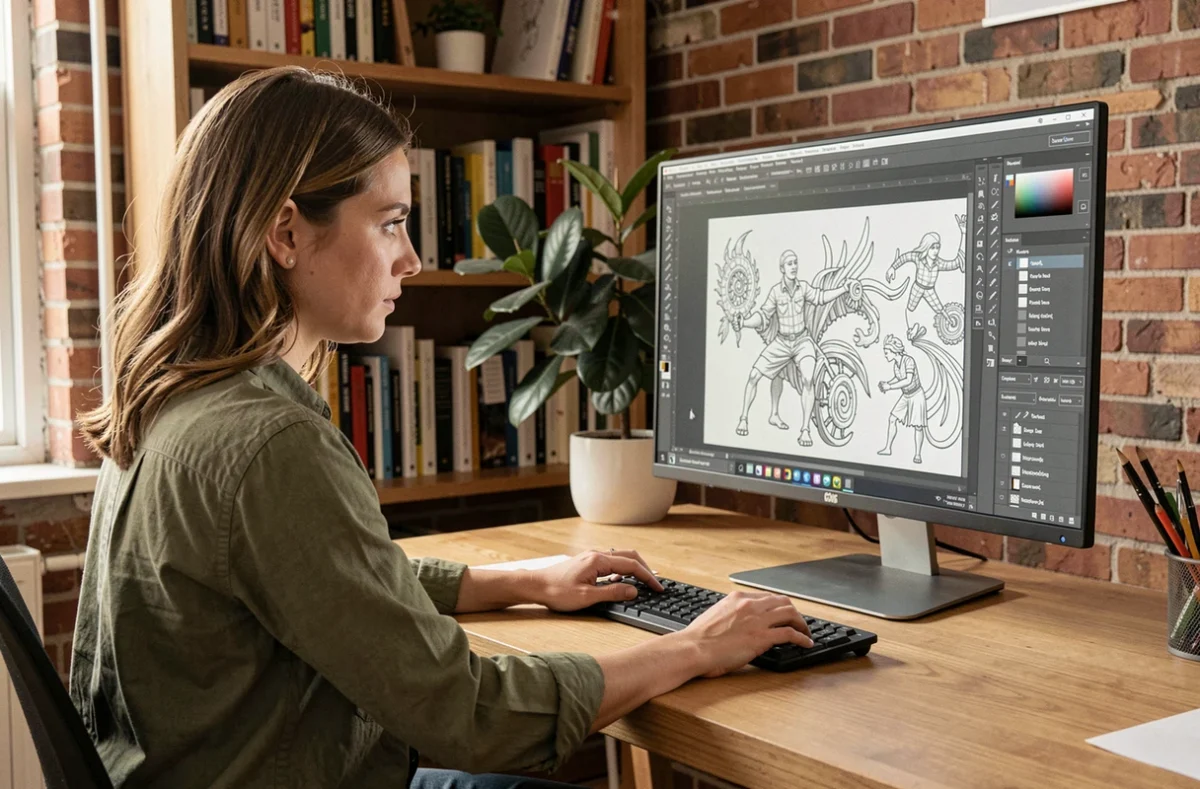
The introduction of non-destructive filters in GIMP has reignited the question of whether free software can replace Adobe Illustrator for graphic design work. The two programs follow distinct technical approaches: GIMP edits raster images (pixels), while Illustrator creates vector illustrations (mathematical curves). Comparing their capabilities means looking beyond price alone.
Raster vs. vector: what GIMP cannot replace in Illustrator
The most common misconception is that GIMP and Illustrator are interchangeable. GIMP is a bitmap image editor. Every element created in GIMP is made up of pixels at a fixed resolution. Illustrator, by contrast, works with vector objects: paths, text, and shapes can be resized indefinitely without losing quality.
For a logo that needs to be printed on a business card and then enlarged for a banner, Illustrator preserves sharpness at every size. The same logo created in GIMP at 300 dpi would need to be recreated if the print size changed dramatically. GIMP does not create true vector objects, although it lets you draw paths that can be exported as SVG files.
GIMP’s non-destructive filters make photo editing more convenient: you can revisit a Gaussian blur or color correction later. This improvement remains within the raster domain. It does not turn GIMP into a vector drawing tool or change its limitations compared with Illustrator for creating scalable illustrations.
An article published on Web-Portail explains this distinction in detail, particularly for graphic designers evaluating GIMP as a free alternative to Illustrator for everyday production work.
Moving between GIMP and Illustrator: which elements survive the transfer?
The delivery format matters just as much as the choice of software. When a graphic designer works in GIMP and then hands a file to a client who uses Illustrator, some of the data may be lost or degraded.
What remains usable
- An SVG export from GIMP transfers vector paths drawn with the Paths tool. These paths can be reopened and edited in Illustrator, provided they were not merged with a bitmap layer before export.
- A PDF generated by GIMP preserves the dimensions and layout. Text, however, is often rasterized or converted to an image, preventing typographic edits in Illustrator.
- Color metadata (an embedded ICC profile) transfers correctly via PDF or TIFF, helping prevent color shifts when the file is opened in Illustrator.
What gets lost
GIMP text layers are flattened or rasterized when exported to a format Illustrator can read. A client who receives a logo as a PNG or TIFF file will not be able to change the font, letter spacing, or text size.
GIMP-specific layer effects, such as drop shadows and bevels, have no direct equivalent in the AI format. Adobe’s documentation confirms that compatibility varies depending on the format and operation: importing, exporting, or preserving Illustrator-specific features. Keeping a working copy in AI format remains the official recommendation for any project that needs to stay editable.
Testing an actual deliverable (SVG, PDF) is more useful than drawing conclusions simply because a program can open a particular format. An exchange format does not guarantee that the original file can be reproduced identically.
A realistic workflow: pair GIMP with a genuine free vector tool
Rather than forcing GIMP to act like Illustrator, a workflow using two free programs delivers better results. GIMP handles photo editing, cutouts, texture creation, and raster compositing. For vector work—logos, icons, and scalable illustrations—Inkscape fills the role GIMP cannot.
Inkscape is an open-source vector editor that natively reads and writes SVG. It supports Bézier curves, vector text, gradients, and Boolean operations on shapes. GIMP + Inkscape covers most of the needs an independent graphic designer would address with Photoshop + Illustrator, without a subscription.
This workflow has one known limitation: native AI files (Adobe’s proprietary format) do not always open correctly in Inkscape. Mesh gradients, 3D effects, and some complex opacity masks may be misinterpreted or ignored. For a project where the client requires an editable AI file, no free alternative guarantees full compatibility.
GIMP for graphic production: when it works and when it falls short
GIMP is a good fit when the final deliverable is an image at a fixed resolution: a web banner, social media graphic, bitmap interface mockup, or retouched catalog photo. Non-destructive filters make these tasks smoother than before.
GIMP falls short when the deliverable needs to remain vector-based after handoff. A logo delivered as pixels cannot be resized without quality loss. A technical illustration intended for large-format printing requires vector curves. An icon set for an app needs to adapt to multiple screen densities without artifacts.
GIMP’s free price does not make up for an output format that fails to meet the client’s needs. Before choosing a tool, ask what the deliverable needs to be: fixed-size or scalable, editable or fixed text, open or locked file. The expected format determines the choice of software, not the other way around.
GIMP remains one of the most capable photo-editing programs in the open-source world. Positioning it as an Illustrator replacement is like comparing a screwdriver with a wrench: both are useful, but not for the same job.